
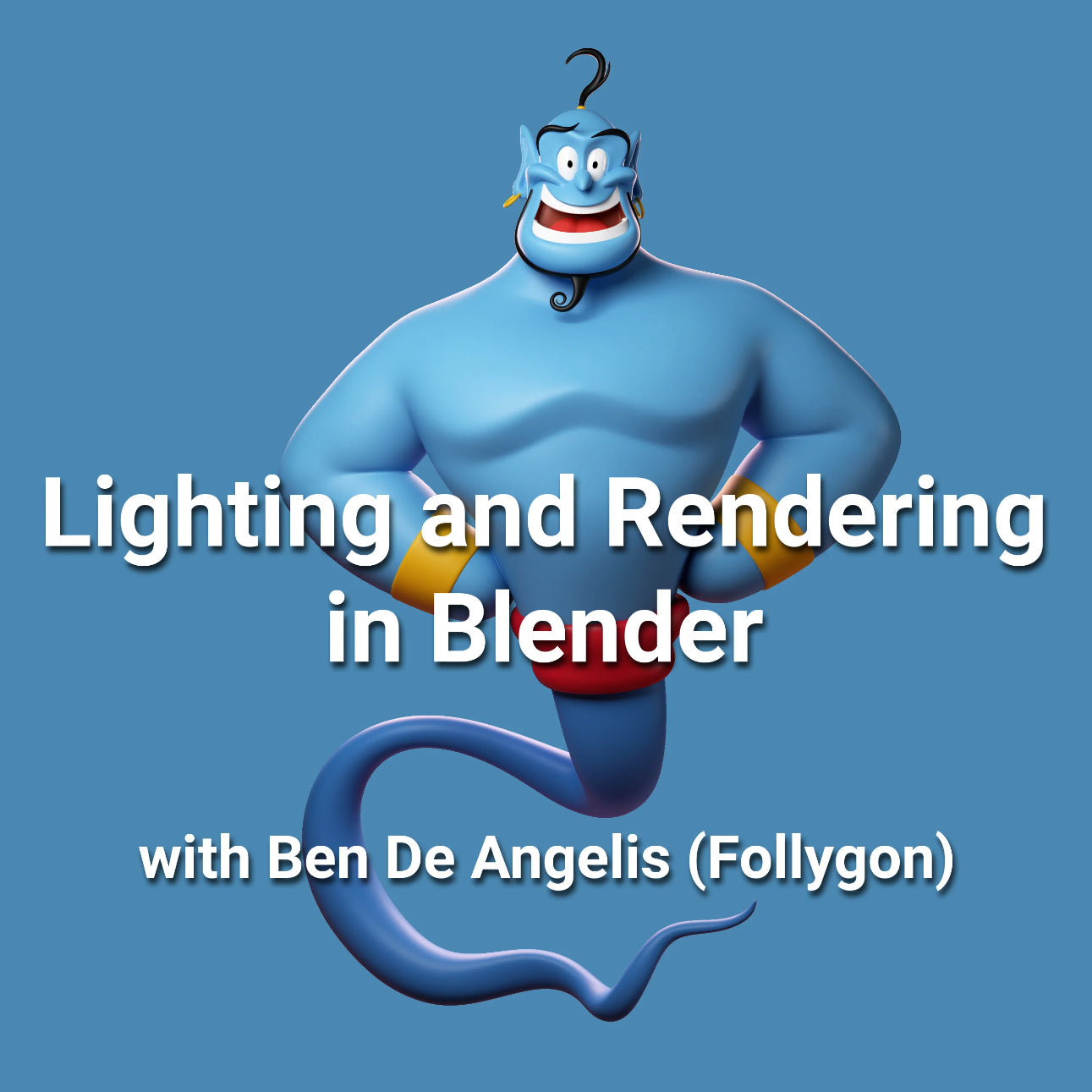
Lighting and Rendering in Blender with Follygon
Lighting and Rendering in Blender with Follygon
Couldn't load pickup availability
Create polished, professional renders without getting lost in complicated setups.
In this course, you'll learn the complete rendering workflow behind the signature Follygon look. Across 7 focused chapters and over 1 hour of narrated lessons, you'll explore lighting, materials, presentation, and the small decisions that make a sculpt feel polished and intentional.
The course focuses on practical, repeatable techniques you can immediately apply to your own characters and sculpts. Whether you're presenting portfolio work, creating thumbnails, or simply trying to make your models feel more dynamic, you'll learn how to build clean, cinematic renders with confidence.
✔️ Master the art of professional 3D rendering
✔️ Perfect your lighting techniques for captivating results
✔️ Access valuable workflows and high-quality assets to elevate your projects
✔️ Ideal for both newcomers and seasoned artists
✔️ Learn from a renowned expert in the field, Follygon
What is included?
- 1 hour and 20 minutes of real-time, narrated video content split between 7 chapters explaining the process of lighting and rendering in Blender. All lighting information is transferable to other software, but is explained using Blender and the Cycles rendering engine within Blender.
- ZBrush Polypaint to Blender FBX DLL and detailed explanation of how to send 3D models from ZBrush to Blender with polypaint. You need this DLL file to be able to send polypaint to Blender in all ZBrush versions past 2021.1.2.
- A detailed explanation of how to export 3D models from ZBrush to Blender with automated UVs and texture maps converted from polypaint.
- Follygon's Blender Render scene, studio lighting setup, infinite ground plane, and test model.
- High-Resolution 3D Model of the Genie, created by Follygon for day 8 of sculptober 2020. Includes FBX files for the Genie's body and eyes for material separation.
Chapters
- Chapter 1: Course Overview
- Chapter 2: ZBrush to Blender with Texture Maps
- Chapter 3: ZBrush to Blender with Polypaint
- Chapter 4: Three Point Lighting
- Chapter 5: Lighting in Blender
- Chapter 6: Rendering in Blender
- Chapter 7: Compositing in Photoshop
Who is this product for?
- Those interested in creating professional-looking renders in Blender.
- Those that want to learn the ins and outs of lighting a character/ scene
- Those who like Follygon's style of rendering and want to learn how to create similar images.
- Fantastic for absolute beginners who want to learn about lighting, or pros who are looking to up their game.
Where can I get Follygon's Brushes, etc?
ModMesh: Heads + ModMesh: Bodies
